Add ShoutCast Station to E71
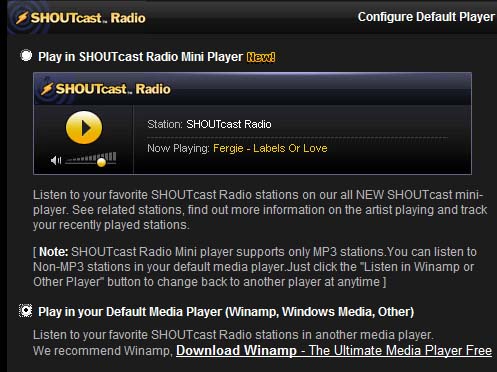
Here’s how I added the stations from shoutcast.com to my Nokia E71 Internet Radio application. First find the station you want using search or directory. Then click the “TUNE IN!” icon and then in the new pop-up window, select Listen in Winamp or Other Player 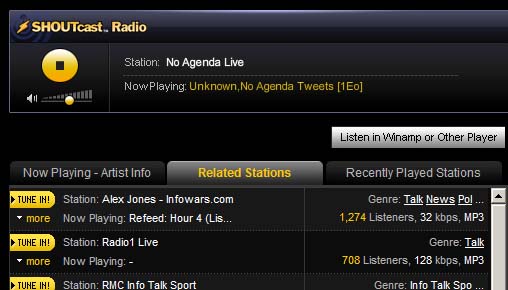 Select second option
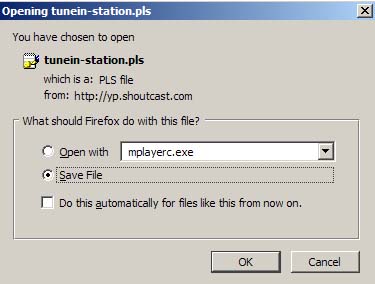
  Click Save. A dialog box for download or save as pops up. Select Save As… and save the file as .pls file
  Open the file with Wordpad and note the address of the station to be added manually in Internet Radio app on E71. That’s it.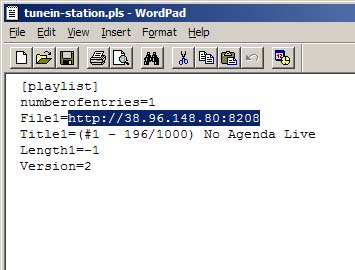
This post is licensed under CC BY 4.0 by the author.